Available Now

๐Ÿ  Home Inventory

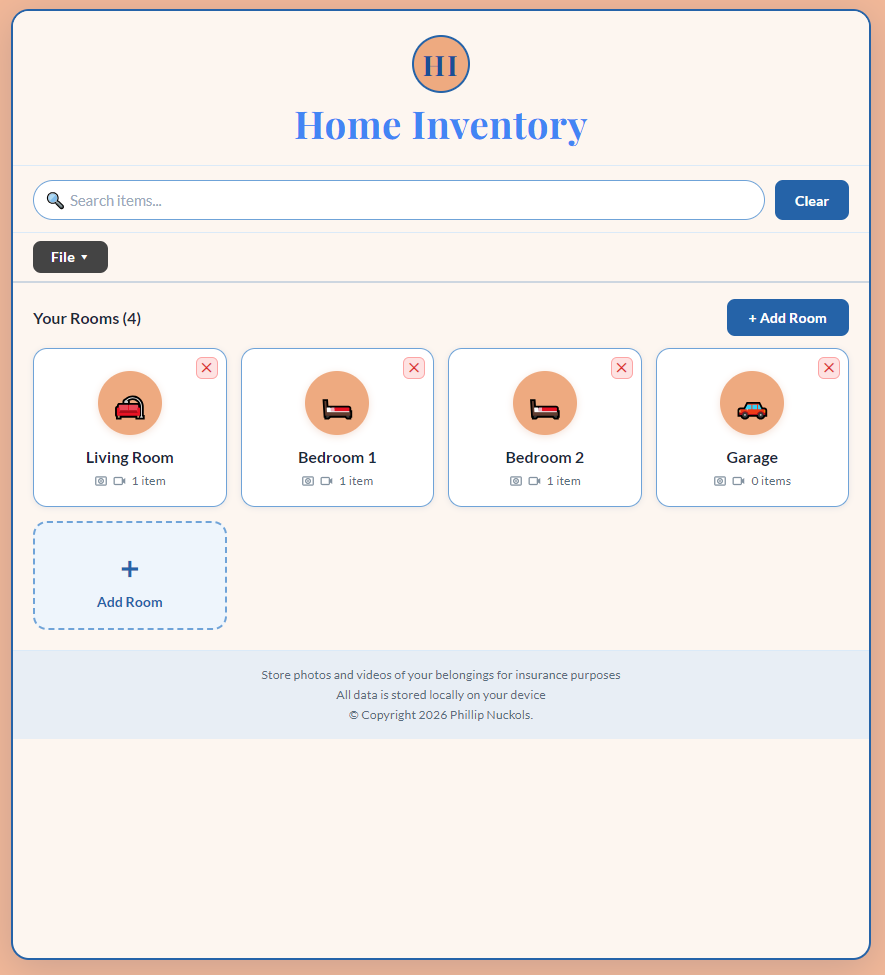
Catalog everything you own, room by room. Add photos, values, serial numbers and more โ€” then export a full report for insurance, moving, or peace of mind. Plus NO ADS and free updates. All for a one-time $3.

$3

What It Does

Everything in one place

๐Ÿก

Organize by room

Living room, kitchen, garage โ€” your call

๐Ÿ“ท

Photos & videos

Attach visual proof for every item

๐Ÿ”ข

Serial numbers

Store model & serial info safely

๐Ÿ’ต

Item values

Track what everything is worth

๐Ÿ“„

Export reports

Print or save for insurance claims

๐Ÿ”

Search & filter

Find any item in seconds

See It In Action

Adding a complete item

This short demo walks through adding a real item from scratch โ€” attaching a photo or video, filling in all the details, and saving it to your inventory.

Everything you can record for each item

  • Photo or video โ€” attach a visual record directly to the item
  • Item name & description โ€” what it is and any useful notes
  • Room assignment โ€” which room it belongs to
  • Purchase value โ€” what you paid or its current worth
  • Serial number & model โ€” essential for insurance or warranty claims
  • Purchase date โ€” when you bought it
  • Additional notes โ€” anything else worth remembering

Use It On Your Phone

Works great on iPhone & Android

Home Inventory runs right in your phone's browser โ€” no App Store needed. Add it to your home screen and it works just like a real app, with full camera access for photos and receipts.

1

Transfer the file

After downloading, save HomeInventory.html to iCloud Drive, Google Drive, or email it to yourself.

2

Open in Safari

On your iPhone, open the file from iCloud Drive or your email. Make sure to use Safari for best results.

3

Add to Home Screen

Tap the Share icon at the bottom of Safari, then tap Add to Home Screen. It'll appear as an app icon.

4

Start using it

Tap the icon to open. Use Take Photo to snap items directly with your camera โ€” no file picker needed.

Android users: Open the file in Chrome, tap the three-dot menu, and choose Add to Home Screen. Works the same way.

Ready to get Home Inventory?

One-time purchase. Instant download. Works on Windows, Mac & iPhone.

$3
One-time ยท instant download

Also available: CalendarCo โ†’  |  Buy both for $5 โ†’